Quick start
- Run the Creator Kit editor with
Run_QZSim_Editor.bat(projectQZSim\QZSim.uproject). Do not double-click the.uprojectfile: Windows will prompt you to pick an engine version and then fail with "This project does not have any source code". The kit ships no C++ source by design, so the.batis the only supported way to launch the editor. - Create your mod: click the mod.io button on the editor toolbar and choose Create & Upload. In the tool that opens, choose Create Mods, fill in the form and press Create Mod Package. The plugin is created under
QZSim\Mods\<ModName>\, already carrying a UGC Metadata asset and the right folder layout.

The mod.io toolbar button and its Create & Upload entry.
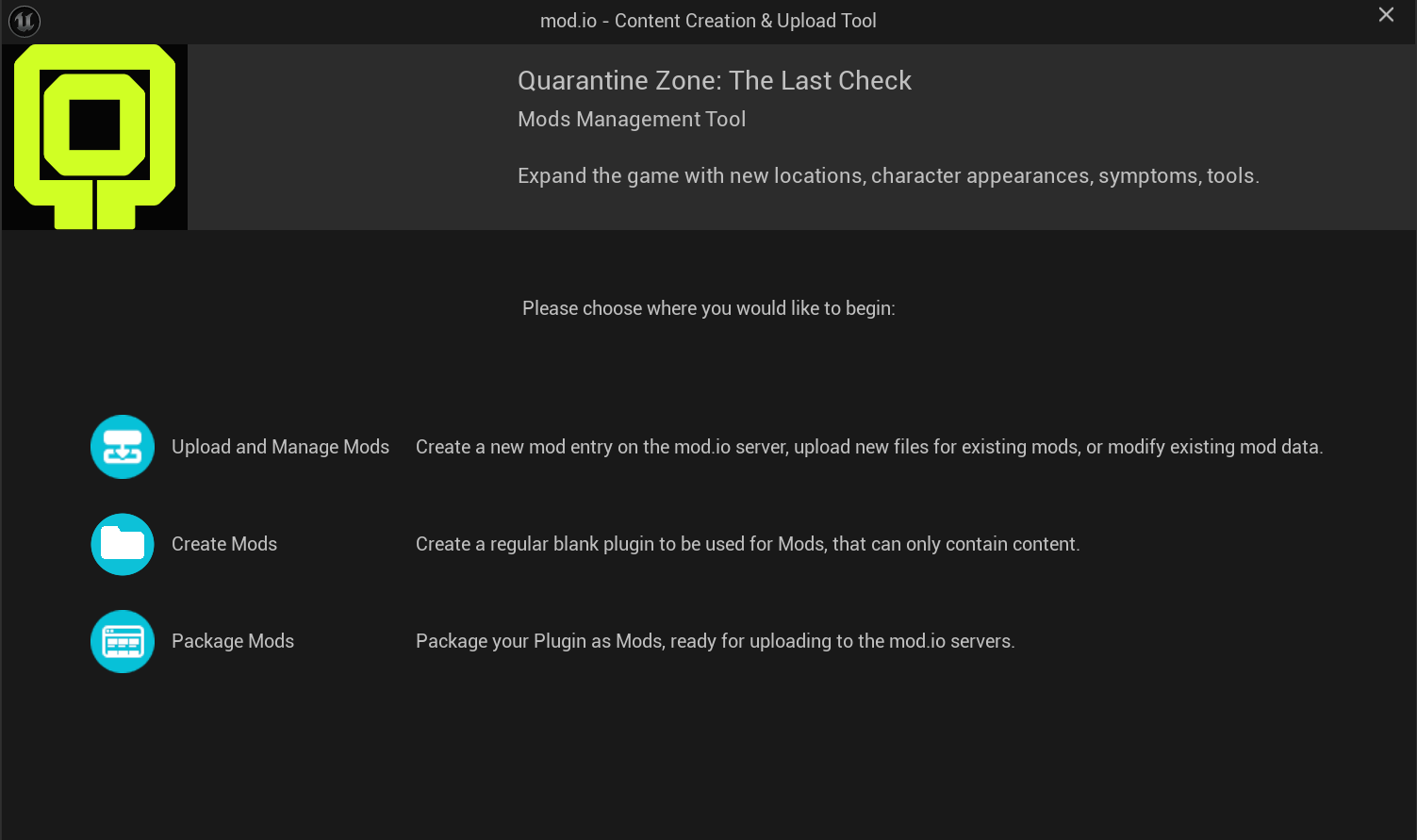
The start page of the tool: Upload and Manage Mods, Create Mods, Package Mods.
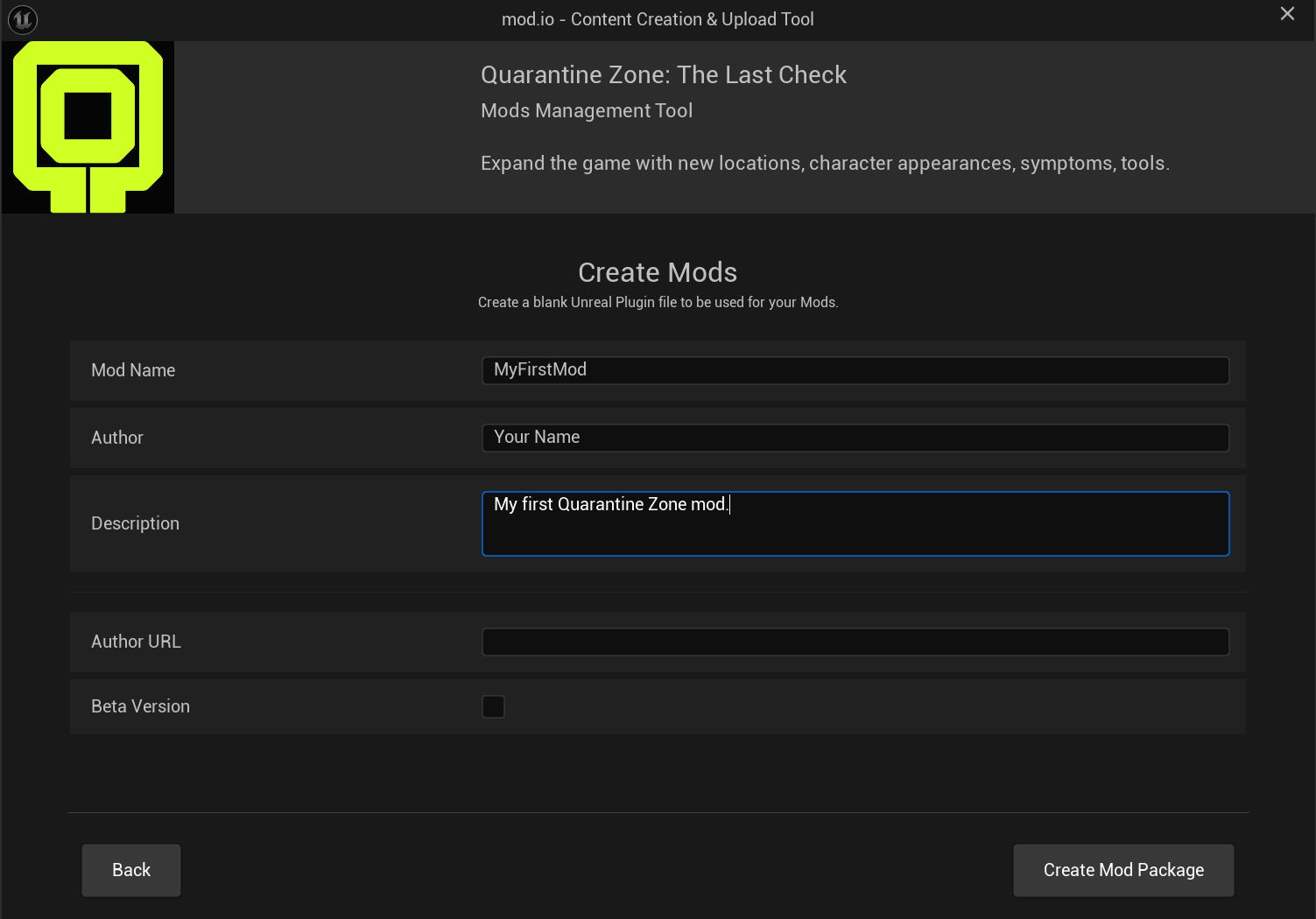
The Create Mods form: Mod Name, Author, Description, Author URL, Beta Version.
- Add content to your mod's
Content\folder (see What mods can do). Duplicate (Ctrl+D) an existing baseDA_*data asset of the matching class next to its siblings, then move the copy into your mod's ownContent\; it keeps the correct parent class and default values. A duplicated visitor appearance asset also keeps the base key and therefore replaces the base item; to add a new one instead, see Visitor appearance. - Package: mod.io → Create & Upload → Package Mods (the page is titled Package UGC). Pick your plugin, set the platform to Windows (it defaults to Linux) and choose an output folder. The packaged mod is written to
<output folder>\<ModName>_Windows\: the<ModName>.uplugin,Config\Tags\*.ini(if the mod has tags) andContent\Paks\Windows\*.pak/.ucas/.utoc. See Packaging & publishing. - Upload to mod.io: zip the contents of the
<ModName>_Windowsfolder so that the.upluginis at the root of the zip. Or test it locally first.
:::danger Everything you create must live inside your plugin's Content root
Never create your assets in QZSim\Content (/Game/...). Assets created there work in Play In Editor, but they are neither in the base game nor in your mod, and packaging fails or the mod does nothing in game. See Troubleshooting.
:::
Navigating in the editor
- To list every asset of a class project-wide, type
Type=QzSymptomDataAsset(orQzToolDataAsset,QzStaticNPCSkinDataAsset,QzLevelDataAsset) into the Content Browser search bar, or use the Filter dropdown → Data Asset submenu. - Generic names repeat everywhere (
TexturesandMaterialsexist insideArt/,UI/, the top level, and mostMetaHumans/*folders). The class-type search is more reliable than guessing a path from a folder name. - Give every duplicated asset its own name (for example
DA_MyScanner, notDA_Scanner): two assets with the same name clash and only one of them is used. - A mod created with Create Mods works in Play In Editor right away. A mod folder copied into
QZSim\Modsby hand needs an editor restart. - Custom GameplayTags go in
Config\Tags\<YourMod>Tags.iniinside the mod. They register automatically when the mod is mounted and are staged automatically by Package Mods. - The mod name (the plugin name) must be unique: two mods with the same name conflict.
See also: Content map.